
Only free times
Customers see times when a team member is working and has nothing else booked, in their own timezone.
Everything lives under Appointments in the sidebar, in three tabs: Events (what was booked), Booking Pages (what people book) and Settings.
A booking page is a link where a customer picks a free time with your team. Each page is one kind of meeting: a 30 minute demo, a 15 minute consultation, a site visit. Tools like Cal.com and Calendly call these event types.
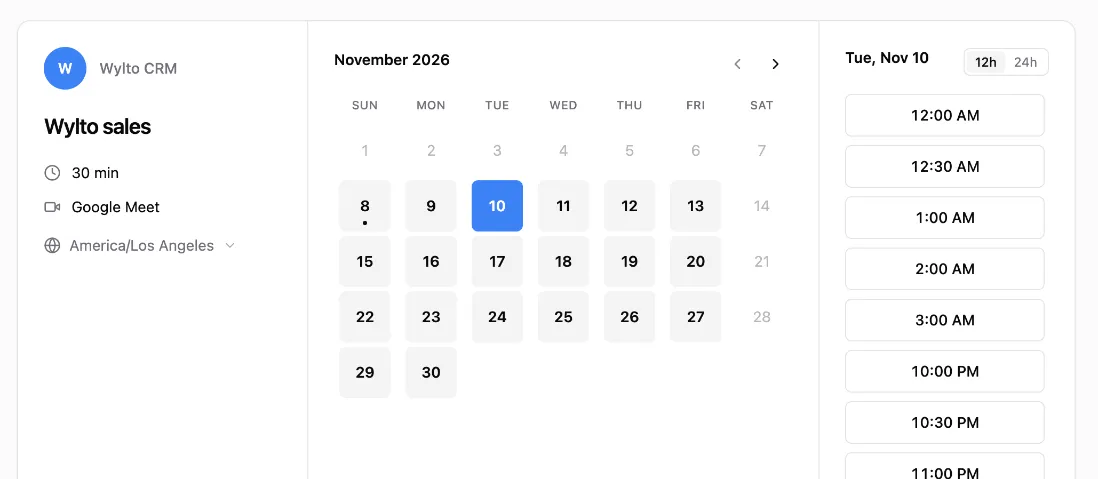
Only free times
Customers see times when a team member is working and has nothing else booked, in their own timezone.
Shared across the team
Bookings go round robin across the members you pick, so nobody gets them all.
Straight into the CRM
Every booking creates or updates the contact and shows in the inbox on the contact’s Events tab.
Made for WhatsApp
Send the link from a chatbot or an AI agent. The page skips details we already have, and the chat continues after they book.
| I want to… | Read |
|---|---|
| Create my first page | Create a booking page |
| Set my working hours or connect my calendar | Availability & Google Calendar |
| Share the link and see what customers see | Share your booking page |
| Send it from a chatbot or AI agent | Bookings on WhatsApp |
| See and manage bookings | Manage bookings |
| Send bookings to another system | Webhooks |